September 8, 2026
•
10
min read

Can Lovable Make Mobile Apps? What It Builds and What It Cannot
Lovable builds responsive web apps, not native mobile apps. What that means for iOS and Android, the wrapper options, and when you need a real build.
The Direct Answer
Can Lovable make mobile apps?
Yes, but with an important limitation: Lovable builds responsive web apps, not native iOS or Android apps.
A Lovable project can work very well on a phone. The layout can adapt to a smaller screen, users can interact with it through a mobile browser, and in some cases it can behave much like an installed app.
But Lovable does not take your project and compile it into a native iOS or Android binary that is ready to submit directly to the App Store or Google Play.
For a lot of products, that distinction is not a problem.
A customer portal, booking tool, internal dashboard, membership platform, lightweight SaaS product, or simple marketplace may work perfectly well as a mobile-friendly web app.
The difference starts to matter when mobile is central to the product.
If you need:
- deep access to the camera;
- reliable background activity;
- advanced push notifications;
- location tracking;
- offline workflows;
- biometrics;
- highly polished native performance;
a web build starts to show its limits.
So if you are asking whether Lovable can build mobile apps, the practical answer is:
Lovable can build apps that work on mobile very well, but it does not produce a true native mobile app on its own.
Responsive Web App vs Native App
The technical distinction is fairly simple.
A responsive web app runs in a browser. Users open it through a URL, and the layout adjusts to the screen they are using. The same product can usually run on a laptop, tablet, and phone without separate versions.
A native app is built specifically for iOS or Android. Users normally install it through the App Store or Google Play, and the app can work more closely with the operating system and device hardware.
For a founder, the difference usually comes down to three things:
- Distribution
- Device access
- Development effort
A Lovable web app is easy to distribute.
Send someone a link and they can use it immediately. There is no App Store review process, no native release cycle, and no need to maintain separate iOS and Android codebases just to make the product available on a phone.
A native app gives you more control over the device itself.
That matters when the product depends on things like:
- background location;
- Bluetooth;
- native SDKs;
- complex camera behavior;
- secure biometric workflows;
- robust offline use.
Modern web apps can do much more than they could a few years ago, so the gap is smaller than it used to be.
Still, web and native are not interchangeable.
The right choice depends on what the app actually needs to do.
What You Can Do on Mobile With a Lovable Build
For many products, Lovable’s web-first approach is completely practical.
You can design a responsive interface that works cleanly on a phone, with:
- mobile navigation;
- touch-friendly buttons;
- forms;
- cards;
- account screens;
- dashboards;
- other common product elements.
That covers a surprisingly large number of real-world use cases.
For example:
- A sales team can use an internal tool from a phone.
- Customers can log in to a portal and check the status of an order.
- A service business can let people book appointments.
- A SaaS company can give customers access to dashboards and account settings.
- A field team can use a lightweight tool from a tablet without installing anything.
For products like these, native development may be unnecessary overhead.
Progressive Web App Behavior
A Lovable web app can also be set up as a Progressive Web App, or PWA.
A PWA can be added to a phone’s home screen and opened more like a regular application.
Depending on how it is implemented, it may:
- have its own icon;
- open without the usual browser interface;
- cache some information locally;
- support a more app-like experience.
For an MVP, internal tool, customer portal, event app, booking product, or membership platform, that can be more than enough.
The biggest advantage is that you still have one web codebase.
You can release updates immediately, avoid store review delays, and keep development simpler while the product is still evolving.
If users do not need App Store discovery or advanced device features, there is little reason to build native purely because the product will be used on a phone.
Getting a Lovable App Into the App Store
A Lovable project does not generate the native files required for direct App Store or Google Play submission.
That does not mean you cannot get a Lovable product into the stores.
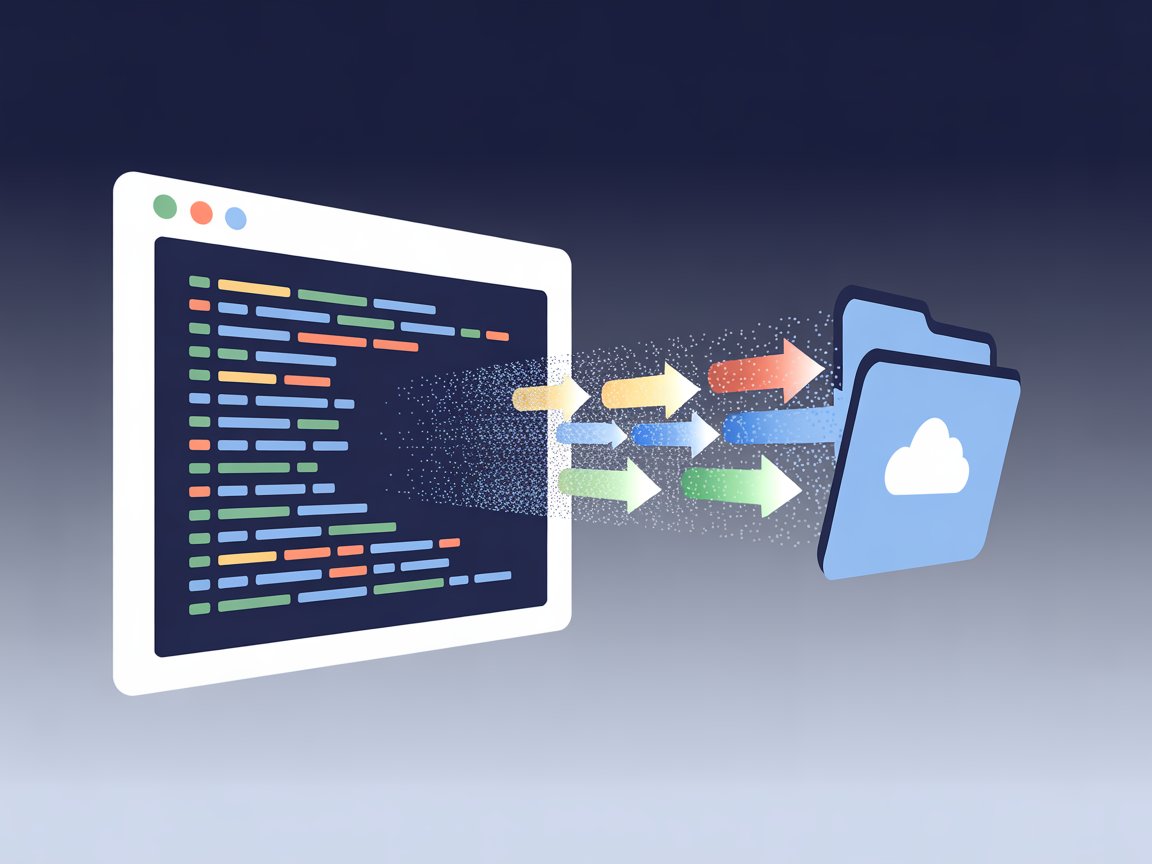
The usual route is to take the web app you already built and package it inside a native shell.
The Wrapper Route
Capacitor is one of the most common tools for doing this.
It lets developers package an existing web application as an iOS or Android app while adding access to native APIs where necessary.
A typical process looks like this:
- Build and validate the product in Lovable.
- Use exporting your Lovable code to take control of the codebase.
- Prepare that code for a wrapper.
- Configure the iOS and Android projects.
- Add any required mobile-specific functionality.
- Test the app on real devices.
- Handle the App Store and Google Play submission process.
There are also commercial web-to-app platforms that handle much of this work for you.
For a relatively simple application, that can be a sensible approach.
You keep the product you already built, add store distribution, and avoid rebuilding everything from the ground up.
The effort changes quickly once the app needs more than a basic shell.
Features such as:
- push notifications;
- native permissions;
- background tasks;
- subscriptions;
- device-specific UI;
- store compliance;
can turn a straightforward wrapper project into a more involved mobile build.
Where Wrappers Get Rejected
A native wrapper does not automatically make a web app App Store-ready.
This is one of the areas people often underestimate.
Apple expects an app to offer a meaningful app experience, not simply display a website inside a native container. Guideline 4.2 on minimum functionality is particularly relevant here.
If an app offers little beyond what a user could get by opening the website in Safari, there is a real risk that Apple will consider it too thin.
That matters if you plan to publish a Lovable app to the App Store.
The wrapper itself is not the issue.
The question is whether the finished product feels like something that belongs in the App Store.
A stronger mobile build may include:
- app-specific navigation;
- native integrations;
- useful offline behavior;
- push notifications;
- device capabilities;
- other features that make the mobile version meaningfully different from simply opening the site in a browser.
For many projects, a wrapper is still the right move.
It just needs to be treated as a real product decision, not as a guaranteed shortcut through App Review.
What Wrappers Cannot Give You
A wrapper can take a web app a long way, but it does not automatically turn the product into native software.
The difference becomes more obvious when the application depends heavily on the phone itself.
Push Notifications
Push notifications are possible in hybrid apps, but making them reliable requires more work than simply enabling a setting.
Imagine a delivery app where a driver needs to receive a new-job alert immediately, even when the app is closed.
The notification has to:
- arrive reliably;
- carry the right information;
- open the correct screen when tapped;
- respect permissions;
- behave consistently across iOS and Android.
A wrapper can provide access to the necessary native functionality, but the feature still needs to be designed, built, and tested properly.
Offline Use
Offline behavior is another area where the details matter.
Take a field inspection app used in warehouses or construction sites.
A user may need to:
- complete forms;
- take photos;
- save records;
without a connection.
When the device goes back online, all of that information has to synchronize correctly.
That means dealing with:
- conflicts;
- duplicate data;
- partial uploads;
- situations where two versions of the same record have changed.
A web app can support offline use.
A wrapper can help.
Neither removes the need to design the synchronization properly.
Camera and Location
Basic camera and location access is possible from the web.
The difference appears when those features become central to the product.
Asking for a user’s location once to show a nearby store is very different from tracking a driver’s location in the background for hours.
Likewise, letting someone upload a photo is very different from building an inspection tool that relies on continuous scanning, precise camera controls, or image processing.
Once the device hardware becomes part of the core workflow, mobile engineering starts to matter much more.
Biometrics
Face ID and fingerprint login feel effortless to users, but there is a lot happening underneath.
A secure biometric flow may involve:
- token storage;
- session handling;
- fallback authentication;
- secure device storage;
- different behavior across operating systems.
If the app handles financial, medical, or otherwise sensitive information, those choices need to be made carefully.
Our guide to security considerations in Lovable apps goes deeper into the questions worth addressing before a Lovable project moves into production.
Background Processing
Some applications need to keep doing work even when the user is not actively looking at them.
That may include:
- location tracking;
- media uploads;
- Bluetooth connections;
- scheduled synchronization;
- health monitoring;
- other background tasks.
iOS and Android both place limits on what apps can do in the background, so this behavior has to be implemented with the operating system in mind.
If reliable background work is central to the product, a simple wrapper should not be treated as an automatic solution.
Performance Under Real Use
A lightweight dashboard may feel almost identical as a web app and as a native app.
More demanding products are different.
Large datasets, frequent state changes, heavy animation, maps, real-time collaboration, media processing, and complex interactions can expose performance problems much more quickly.
That is why testing on real devices matters.
A prototype that feels fast on the latest iPhone may behave very differently on a mid-range Android device with an unstable connection.
If mobile performance is business-critical, it needs to be tested as part of the architecture, not after the app is already finished.
Choosing Between a Wrapper and a Native Build
The right choice depends on what the app needs to do.
When a Wrapper Makes Sense
A wrapper makes a lot of sense when the Lovable app already works well on mobile and the main reason for going to the stores is distribution.
That could include:
- a customer portal;
- booking product;
- membership app;
- internal tool;
- event platform;
- lightweight marketplace;
- straightforward SaaS product.
If most of the experience is forms, dashboards, messaging, account management, content, and standard API calls, a full native rebuild may add cost without improving the product very much.
A wrapper is also useful when you want to test demand before investing heavily.
If the web version is already validated and you want to find out whether App Store presence improves adoption, packaging the existing product is often more sensible than rebuilding it from scratch.
When a Native Build Makes More Sense
A native build becomes more attractive when mobile functionality is part of the core value of the product.
That includes applications that rely heavily on:
- continuous location tracking;
- rich camera behavior;
- Bluetooth;
- sophisticated offline use;
- heavy background processing;
- complex native gestures;
- tight performance requirements.
At that point, mobile is no longer just another screen for the product.
Mobile is the product.
That is usually where dedicated mobile app development services become the more reliable option.
Taking a Lovable Prototype Into a Real Mobile Product
Starting with Lovable does not mean you made the wrong choice if you eventually decide to build a native app.
In fact, the Lovable version may have done some of the most valuable work already.
You have:
- tested the core idea;
- learned which screens people actually use;
- developed a better sense of the user flow;
- discovered which features matter;
- identified which features sounded important only on paper;
- collected feedback from real users about what is useful or confusing.
That is a much stronger starting point than handing a mobile team a requirements document based on assumptions.
The transition usually begins with exporting your Lovable code.
From there, the development team can decide what stays and what gets rebuilt.
In many cases, the backend can remain in place.
If your product is using Supabase, for example, the same database, authentication, and backend services can often continue serving the new mobile client.
Our guide to connecting Supabase to Lovable explains how that setup works.
The web version can also remain available while the native client is being developed.
What changes most is the front-end client and the way it interacts with the device.
That is why a Lovable prototype should not be viewed as disposable work.
It is a working product specification that has already been tested against real behavior.
For applications where AI is also part of the product itself, the next stage may involve both mobile development and AI app development services, particularly if the app needs custom model behavior, agent workflows, or production integrations.
And if your Lovable project is already close to production but needs stronger engineering around the existing codebase, experienced Lovable AI developers may be able to take it further without forcing a full rebuild.
If you are trying to decide whether to keep your Lovable app web-first, package it for the app stores, or turn the validated product into a native iOS and Android build, talk to our team.