September 10, 2026
•
9
min read

Is Lovable Free? How the Free Plan, Credits and Real Costs Work
What Lovable's free plan includes, how credits are consumed, and what a working project actually costs once you move past the free tier.
Lovable is free to start. The free plan gives you 5 build credits per day, capped at 30 per month, along with 20 monthly Cloud credits and 4 credits for AI features running inside your app.
That is enough to explore the platform, build a small prototype, and get a feel for how Lovable works. It is a lot tighter if you are trying to build, refine, and launch a real product.
The reason comes down to credits. Lovable charges credits based on the work it performs, and more complex changes cost more. A feature that works on the first attempt may barely touch your allowance. Spend several rounds fixing the layout, debugging the logic, or undoing an unwanted change, and the same feature suddenly becomes much more expensive.
So if you are wondering is Lovable AI free, the answer is yes, up to a point. The free plan gives you enough room to try the product, but not much room for trial and error.
If you are new to the platform, an introduction to Lovable AI covers the basics before you start building.
What the Free Plan Includes
Lovable’s free tier is meant to give you a real feel for the product without asking for a credit card upfront.
You can create projects, send prompts to the builder, publish what you make, and use the included Cloud allowance to cover basic hosting and infrastructure. There is also a small monthly allowance for AI features that you add to your deployed app.
For an early test, that can be plenty.
You might use the Lovable free plan to put together a landing page, experiment with an internal dashboard, build the first version of an app idea, or see how well Lovable handles a workflow you have in mind.
The catch is the monthly limit.
You can receive up to 5 free build credits on a given day, but the free plan tops out at 30 build credits per month. The daily credits also expire at the end of the day rather than rolling over. You cannot avoid the monthly limit by saving unused daily credits for a bigger build later.
That makes the free plan much easier to use when you already know roughly what you want.
If you spend the first few sessions trying different layouts, changing the product direction, regenerating pages, and experimenting with features, you can run through the allowance before the app is anywhere near finished.
People searching for a Lovable free trial should think of the free tier as the trial. There is no need for a short trial window when you can stay on the free plan. Your practical limit is the number of credits available rather than the number of days remaining.
How Credits Are Actually Consumed
This is the part of Lovable pricing that matters much more once you start building.
A credit is not simply one prompt.
In Lovable’s Default Mode, the number of credits used depends on how much work the request requires. A small styling edit can cost less than one credit, while a request involving authentication, multiple components, images, or more substantial code changes can cost more.
Lovable’s own examples show the difference. Changing a button color may cost around half a credit. Removing a footer is closer to one. Adding sign-up and login costs more, while creating a complete landing page with several sections and generated images can consume considerably more.
That pricing model makes sense, but it also changes how you should think about the cost of building.
Suppose you ask Lovable to create an onboarding flow. The first version looks good, but the validation is wrong. You ask for a fix. The validation works now, but something else on the page has changed. You correct that, test again, and find another edge case.
None of those prompts feels particularly expensive on its own. Together, they can use a meaningful chunk of your monthly allowance.
This is why Lovable credits can disappear faster than new users expect. You are paying for the work Lovable performs along the way, including attempts that do not produce the result you wanted.
Two people can therefore build similar apps and have completely different experiences with Lovable free credits. Someone with a clear product structure and precise prompts may get surprisingly far. Someone who spends most of the build figuring out what they want as they go may hit the limit much sooner.
Why People Burn Through Credits Faster Than Expected
The biggest drains are rarely one enormous feature. More often, credits disappear through repeated revisions that seemed minor at the time.
Vague Prompts Producing Rework
“Make the dashboard better” sounds like a reasonable instruction to a person. For an AI builder, it leaves almost everything open to interpretation.
Lovable might change the layout when you only wanted cleaner spacing. It might redesign cards you were happy with or introduce a new component that creates another round of work.
A more specific prompt gives it fewer opportunities to guess incorrectly.
Instead of asking for a better dashboard, tell it to keep the navigation unchanged, place the three KPI cards in one row, leave the activity feed on the right, reduce the spacing between sections, and avoid changing any data logic.
You are still asking for the same outcome. You are simply defining it well enough that the first attempt has a better chance of being usable.
That is also why learning how to write better instructions can have a direct impact on cost. Our guide to prompting more efficiently in Lovable covers ways to make prompts more precise without turning every request into a technical specification.
Debugging Loops on the Same Problem
Debugging is where credit usage can become frustrating.
Something breaks, so you ask Lovable to fix it. The first attempt does not solve the problem. You describe the error differently and try again. That fixes one issue but introduces another, and soon you have spent several prompts circling the same bug.
It is tempting to keep going because the next prompt always feels as though it might be the one that works.
After two or three unsuccessful attempts, stopping is often more productive.
Look at the error message. Check what changed. Narrow the problem down as much as possible before asking for another fix. If you are comfortable reading code, inspect the relevant files rather than asking Lovable to troubleshoot the entire application again.
Repeatedly sending variations of “this still doesn’t work” gives the model very little new information and can turn a small bug into an expensive debugging session.
Late-Stage Changes That Touch Many Files
A change that takes one prompt at the beginning of a project may be much harder to make near the end.
Imagine deciding late in the build that your user roles need to work differently. That decision may affect authentication, database permissions, navigation, dashboards, account settings, and existing records.
What sounds like a small product change is now spread across several parts of the application.
The same problem comes up when you restructure the database after multiple pages already depend on it. More code has to change, more things can break, and you are likely to spend more credits getting everything back into sync.
Some planning upfront helps here.
You do not need a huge requirements document before opening Lovable. But it is worth deciding who the main users are, what data the app needs, which workflows matter most, and which integrations are essential before the project becomes complicated.
A few decisions made early can save a surprising amount of rework later.
What a Real Project Costs
If you search how much is Lovable, you will find subscription prices. Those numbers are useful, but they do not tell you what your project will actually cost.
There are really three costs to think about: the credits you use to build, the infrastructure needed to run the app, and your own time.
For a small project, the direct platform cost can stay low. A landing page, prototype, internal dashboard, or simple CRUD app may fit comfortably within the free tier or a relatively modest paid plan.
A real SaaS product is different.
Once you add authentication, payments, database logic, user roles, third-party APIs, email flows, file uploads, analytics, responsive behavior, and all the small details that make a product ready for customers, you naturally go through more iterations.
At that stage, the subscription may not be the biggest expense anymore.
Say you spend three evenings trying to get one integration working. You rewrite prompts, regenerate components, investigate errors, undo changes, and test different approaches. Your Lovable bill may still be fairly small, but you have also spent hours of your own time.
For a founder, product manager, or senior employee, those hours have a real cost.
Saving money on the subscription is not much of a saving if the project takes significantly longer to finish.
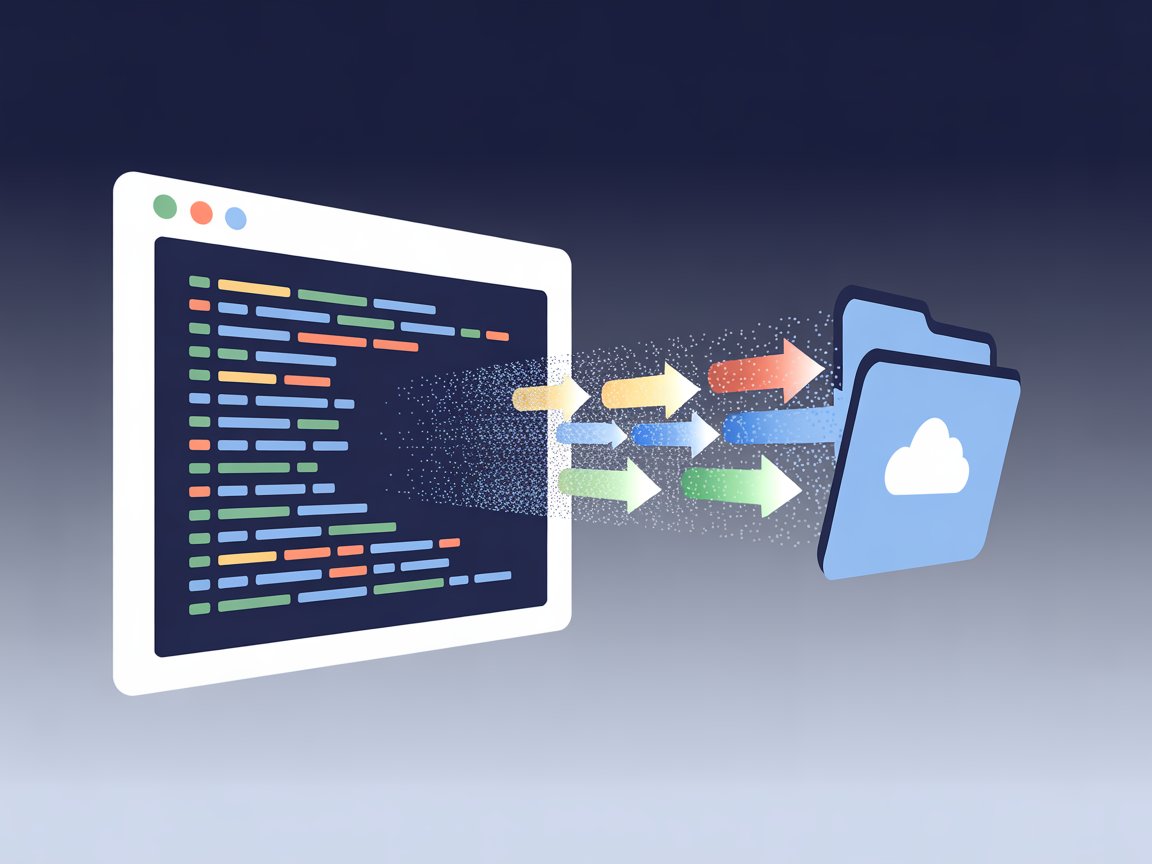
There is also a point where you may want more control over the code itself. Lovable does not lock you into keeping the project inside its builder forever. If you reach that stage, exporting your Lovable code lets you move into a more traditional development workflow without starting the product again from zero.
The infrastructure side deserves the same attention. If your project uses Supabase, for example, database and authentication usage can grow along with the application. Our guide to connecting Supabase to Lovable explains how that setup works and what Lovable handles for you.
For a simple project, the subscription is usually the number you notice.
For a more complicated product, the hours spent building and fixing it often matter much more.
When the Free Plan Is Enough, and When It Is Not
The free plan does its job well if you want to evaluate Lovable.
You can try the builder, see how it responds to your instructions, put together a small proof of concept, test an interface idea, or create a quick prototype to show a colleague or potential customer.
You can also find out whether you actually like building this way before paying for a subscription.
Where the free tier becomes restrictive is when the project starts to matter.
A product you intend to launch will almost always involve more back-and-forth than an early prototype. You discover edge cases, rethink flows, connect services, test on different screens, and fix things you could not have anticipated at the beginning. Thirty monthly build credits do not leave much room for that process.
Moving to a paid plan gives you more capacity, but credit volume is only one part of the decision.
Look at the progress you are making.
If most prompts move the project forward and you understand the application well enough to make changes confidently, paying for additional credits may be entirely worthwhile.
If you are spending more time recovering from broken changes, repeating the same debugging prompts, or trying to fix architecture you do not understand, buying more credits may only extend the problem.
There is a point where asking an experienced developer to solve the issue is cheaper than spending another week trying to prompt your way around it.
That is where experienced Lovable AI developers can make sense, especially when the problems involve architecture, integrations, backend logic, security, or production bugs rather than the basic build itself.
Using development help at that stage does not mean Lovable was the wrong choice. The platform may already have helped you validate the idea and get much further than you could have on your own.
The useful distinction is knowing when Lovable is still accelerating the project and when working around its limits is starting to slow you down.
If your prompts are clear and the product is relatively straightforward, Lovable can be a very inexpensive way to get from an idea to working software. If you are losing hours to debugging loops while your credits keep disappearing, the supposedly cheaper route can quickly stop being cheap.
If you have reached that point and want to figure out whether to keep building in Lovable or hand the difficult parts to a development team, talk to our team.