

June 13, 2026
•
12
min read

How to Use FlutterFlow in 2026: Complete Tutorial for Beginners
Learn how to use FlutterFlow step by step. Build your first app, integrate Firebase or Supabase, connect APIs, and publish to iOS, Android, and web in 2026.
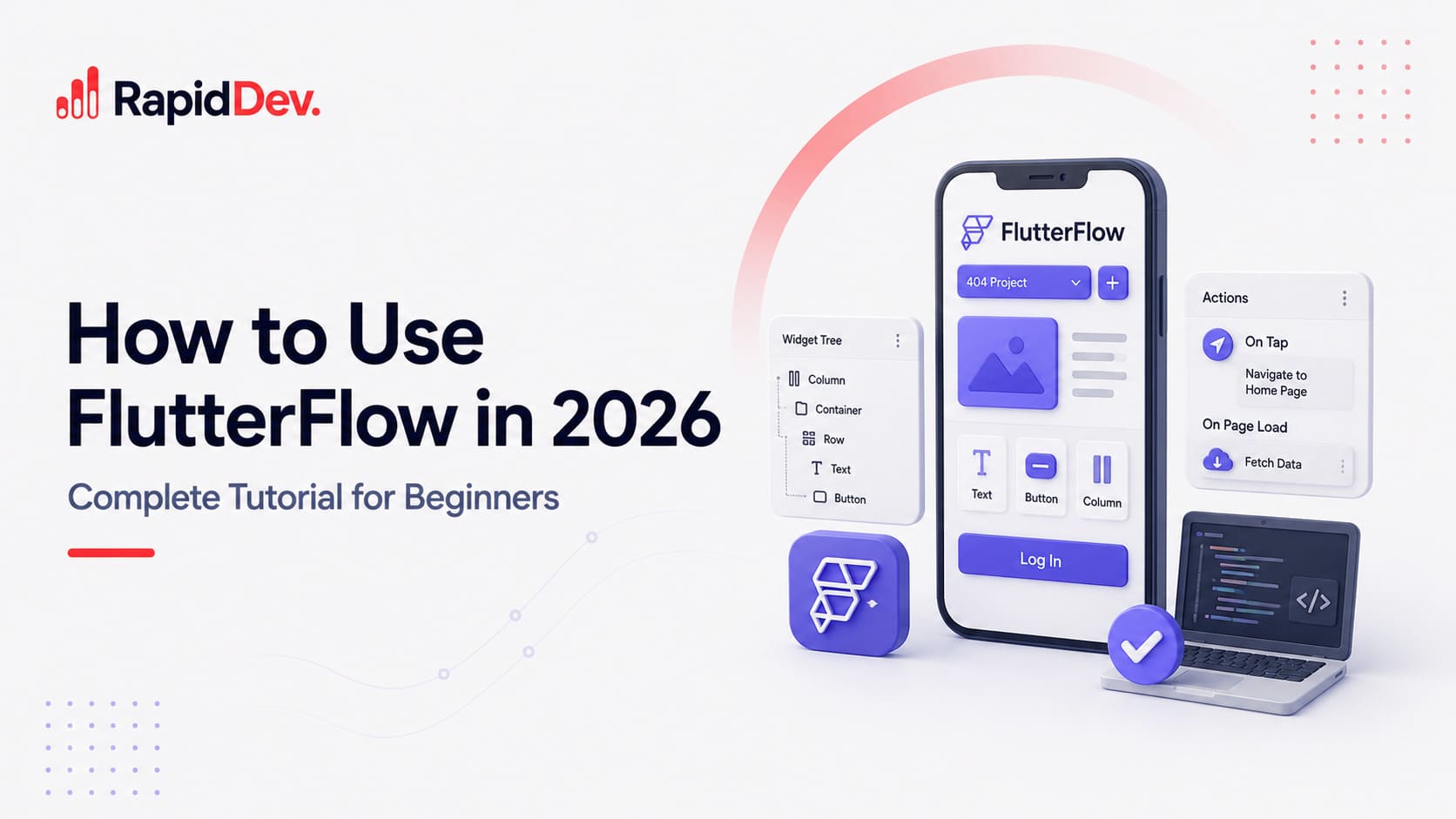
FlutterFlow is a visual app builder built on top of Google's Flutter framework. It allows founders, startups, and product teams to build mobile and web applications using a drag-and-drop interface while still maintaining access to exportable Flutter code. In this tutorial, you'll learn how to build your first FlutterFlow app, connect Firebase and Supabase, manage app logic, integrate APIs, and prepare your application for launch.
What Is FlutterFlow?
FlutterFlow is a visual development platform that sits on top of Flutter, Google's open-source framework for building mobile and web applications.
Official FlutterFlow documentation: docs.flutterflow.io/
Instead of manually building every screen in code, FlutterFlow allows you to create interfaces visually, connect databases, configure authentication, build workflows, and generate production-ready Flutter code.
That's the reason it has become so popular among startup founders and product teams.
At RapidDev, we've used FlutterFlow across more than 50 client projects. The biggest advantage isn't that it eliminates development. It doesn't.
The advantage is that it removes a large percentage of repetitive frontend work, allowing teams to focus on product logic, integrations, and user experience instead of rebuilding common interface elements from scratch.
In this FlutterFlow tutorial, you'll learn:
- How FlutterFlow works
- How to create your first project
- Firebase integration
- Supabase integration
- Navigation and state management
- API integrations
- Custom code
- Deployment best practices
- Common beginner mistakes
FlutterFlow vs Bubble vs DreamFlow vs Native Flutter
Before diving into the platform, it's worth understanding where FlutterFlow fits in the modern app development ecosystem.
FlutterFlow occupies a middle ground that many startups find attractive.
It's significantly faster than building an application entirely in Flutter from scratch, but offers more flexibility than most traditional no-code builders.
You can export code, connect external APIs, integrate third-party services, write custom Dart functions, and scale beyond MVP stage if needed.
If you're evaluating AI-powered Flutter builders, our guide on what is dreamflow provides a detailed breakdown of how DreamFlow compares to traditional FlutterFlow development:
Quick Start: Building Your First FlutterFlow App
Most people can build their first working FlutterFlow prototype within a few hours.
That doesn't mean they'll build a production-ready app in a day, but it's enough time to understand the platform and validate an idea.
Create Your FlutterFlow Account
Visit flutterflow.io and create an account using Google, GitHub, or email.
Once you're inside, you'll land on the project dashboard where all applications are managed.
If you're building multiple products or client projects, take a few minutes to organize folders and naming conventions now. It becomes much more important once several projects are active.
Start a New Project
Click Create New Project.
You'll see several options:
- Blank Project
- Starter Templates
- Marketplace Templates
For beginners, I usually recommend starting with a blank project.
Templates are useful, but learning the builder becomes much easier when you understand how pages, widgets, and workflows are assembled from the ground up.
If you're looking to accelerate development, you can also explore our ready-made flutterflow templates.
Understand the Interface
Most first-time users feel slightly overwhelmed.
That's normal.
FlutterFlow has evolved into a comprehensive product development platform, not just a UI builder.
The main areas you'll use most frequently are:
Canvas
The visual workspace where pages and layouts are built.
Widget Tree
Every Flutter application is composed of widgets.
The Widget Tree shows the structure of your application and becomes increasingly important as projects grow.
Properties Panel
This is where you'll adjust spacing, colors, typography, responsiveness, animations, and conditional visibility.
Backend & Integrations
The left navigation gives access to:
- Firebase
- Supabase
- APIs
- Authentication
- App State
- Deployment
- Custom Code
Understanding these areas early will dramatically shorten the learning curve later.
Build Your First Page
Inside the Pages panel:
- Create a page
- Select a layout
- Add widgets
- Configure navigation
Most apps start with:
- Login
- Sign Up
- Dashboard
- Profile
- Home Screen
The visual builder makes it easy to experiment without constantly recompiling code.
Test Everything Early
One mistake I see repeatedly is founders spending days designing screens before testing workflows.
Don't do that.
The earlier you validate navigation, authentication, and user journeys, the easier development becomes. Use Preview mode frequently. You'll find issues much faster than if you wait until the end.
FlutterFlow Firebase Integration Tutorial
Firebase remains the most common backend choice for FlutterFlow projects.
For startups building MVPs, it's often the fastest path from idea to launch.
Create a Firebase Project
Inside Firebase Console:
- Create a new project
- Enable Firestore Database
- Enable Authentication
- Configure storage if required
Keep project naming consistent with your FlutterFlow project to avoid confusion later.
Connect Firebase to FlutterFlow
Within FlutterFlow:
Settings → Integrations → Firebase
The platform will guide you through linking your Firebase project and importing configuration details.
Once connected, FlutterFlow can automatically generate collections, authentication flows, and database actions.
Configure Authentication
Authentication is usually the first backend feature teams implement.
FlutterFlow supports:
- Email & Password
- Google Login
- Apple Login
- Anonymous Authentication
- Custom Authentication Flows
For MVPs, email and Google sign-in are typically sufficient.
You can always expand later.
Configure Firestore
Firestore acts as the application's primary database.
Typical collections include:
- Users
- Products
- Orders
- Messages
- Notifications
One recommendation from experience:
Spend time designing your data structure before building screens.
Poor database design creates more problems than poor UI design.
FlutterFlow Supabase Integration Tutorial
Supabase has become an increasingly popular alternative to Firebase, particularly among teams that prefer PostgreSQL and more traditional relational database structures.
Why Teams Choose Supabase
Compared to Firebase, Supabase offers:
- PostgreSQL database
- SQL queries
- Open-source ecosystem
- Strong developer flexibility
- Simpler data relationships
For many SaaS applications, these advantages become meaningful as products mature.
Create a Supabase Project
Create a project within Supabase and generate:
- Database
- API Keys
- Authentication Settings
Connect Supabase to FlutterFlow
Inside FlutterFlow:
Settings → Integrations → Supabase
Add your project URL and API credentials.
FlutterFlow will automatically sync available tables and schemas.
Configure Authentication
Supabase supports:
- Email Authentication
- Magic Links
- OAuth Providers
- Social Login Options
Many founders prefer magic links because they simplify onboarding.
Connect Tables
Once connected, FlutterFlow allows database records to be displayed directly inside widgets, forms, dashboards, and dynamic content areas.
The biggest advantage is speed.
You can move from database creation to working interface in a fraction of the time required with traditional development.
FlutterFlow Figma Import Tutorial (Supabase section)
One of FlutterFlow's biggest advantages is its ability to accelerate the design-to-development process.
If your design team works in Figma, you don't need to rebuild every screen manually.
FlutterFlow supports importing Figma designs and converting them into editable FlutterFlow components.
That said, it's important to set realistic expectations.
A Figma import is a starting point and not a finished product.
You'll still need to:
- Adjust layouts
- Refine responsiveness
- Connect backend data
- Configure actions and workflows
- Optimize components for production
In our experience, teams that use Figma imports effectively can reduce frontend setup time significantly, but successful apps still require thoughtful implementation after import.
For larger products, we recommend treating Figma as the design source of truth and FlutterFlow as the development environment.
Navigation and App State
Once you've built a few screens, the next challenge is connecting them together. Navigation is where many beginner projects start to break down.
It's easy to create pages.It's harder to create a user experience that feels intuitive.
FlutterFlow provides several navigation patterns:
- Page-to-page navigation
- Bottom navigation bars
- Drawer menus
- Tab navigation
- Deep linking
For simple MVPs, standard page navigation is usually enough.
As products grow, app state becomes increasingly important.
App state determines how information moves between screens and how user actions affect the rest of the application.
Examples include:
- User authentication status
- Shopping cart contents
- User preferences
- Subscription information
- Notifications
One recommendation I give almost every founder:
Don't wait until your app is large before organizing state management.
What feels manageable at five screens becomes difficult at fifty.
Search Functionality in FlutterFlow
Search is one of the most requested features in modern applications.
FlutterFlow supports multiple approaches depending on your backend.
Simple applications often use local search functionality.
More advanced products typically connect:
- Firebase search
- Supabase search
- Algolia
For startups expecting large data volumes, investing in dedicated search infrastructure early can dramatically improve user experience. A poorly performing search function creates frustration faster than almost any other feature.
Users expect results instantly.
Custom Code and API Integrations
This is where FlutterFlow starts to separate itself from many no-code platforms.
Eventually, every growing application encounters functionality that doesn't exist as a pre-built component. That's where custom code becomes valuable.
FlutterFlow allows developers to:
- Write custom Dart functions
- Add custom widgets
- Connect REST APIs
- Connect GraphQL APIs
- Integrate third-party services
Some common integrations include:
- Stripe
- OpenAI
- HubSpot
- Salesforce
- Twilio
- Google Maps
At RapidDev, this is often the point where projects transition from no-code into low-code development.
The visual builder handles much of the interface while custom integrations power more advanced functionality.
If your application requires AI features, custom workflows, or complex integrations, our AI app development service can help bridge the gap between rapid prototyping and production-ready software:
Common FlutterFlow Mistakes to Avoid
After shipping more than 50 FlutterFlow applications, a few patterns appear repeatedly.
Building Before Planning
Many founders jump straight into screens before defining user flows and data models.The result is usually rework.
Poor Database Structure
A weak database design can create long-term limitations that are difficult to fix later. Spend time on architecture before building.
Ignoring Scalability
Even if you're building an MVP, think ahead. Features that work with 100 users don't always work with 10,000.
Overusing Custom Code
Custom code is powerful, but excessive customization can make maintenance more difficult.Use it strategically.
Not Testing Early
Testing should happen throughout development, not at the end. The sooner you identify issues, the cheaper they are to fix.
FlutterFlow Alternatives
FlutterFlow isn't the right choice for every project. Depending on your goals, alternatives may make sense.
Bubble
Often preferred for browser-first web applications.
Thunkable
Suitable for simpler mobile app projects and educational use cases.
DreamFlow
An AI-powered approach to generating Flutter applications.
Native Flutter
Still the best option when complete control and customization are required.
The right choice depends less on the tool and more on the complexity of the product you're trying to build.
Is FlutterFlow Worth Learning in 2026?
In my opinion, yes. Not because FlutterFlow replaces developers. It doesn't.
But because it dramatically accelerates the process of validating, building, and launching digital products. The founders and product teams seeing the best results aren't using FlutterFlow to avoid development.
They're using it to move faster.
If you're building an MVP, internal platform, SaaS product, marketplace, or mobile application, FlutterFlow can shorten the path from idea to launch while still providing flexibility for future growth.
For businesses looking to build production-ready applications, our mobile app development service combines FlutterFlow expertise with full-stack engineering support:
You can also explore our software development case studies to see how we've helped companies launch and scale digital products:
Frequently Asked Questions
What is FlutterFlow?
FlutterFlow is a visual application development platform built on top of Google's Flutter framework. It allows users to create mobile and web applications using a drag-and-drop interface while still providing access to exportable Flutter code.
Is FlutterFlow Free?
Yes.
FlutterFlow offers a free plan that allows users to explore the platform and build projects. Advanced features such as code export, collaboration tools, and certain integrations require paid plans.
Is FlutterFlow for Beginners?
Yes.
Many founders and non-technical users start with FlutterFlow because the visual interface reduces the amount of coding required. However, understanding basic app development concepts still helps significantly.
Is FlutterFlow Worth Learning?
For startups, agencies, and product teams, FlutterFlow can significantly reduce development time while maintaining flexibility for future growth. It has become one of the strongest visual builders in the Flutter ecosystem.
Can You Export FlutterFlow Code?
Yes.
One of FlutterFlow's biggest advantages is the ability to export Flutter code. This allows development teams to continue working directly in Flutter if additional customization becomes necessary.
How Long Does It Take to Learn FlutterFlow?
Most users can build simple applications within a few days.
Becoming comfortable with advanced workflows, databases, APIs, and production architecture typically takes several weeks of hands-on experience.
What We've Learned After Shipping 50+ FlutterFlow Apps
FlutterFlow has evolved far beyond a simple no-code builder.
Today, it's a serious product development platform used by startups, agencies, and enterprise teams to launch applications faster than traditional development workflows.
After shipping more than 50 FlutterFlow applications at RapidDev, one thing has become clear: FlutterFlow isn't replacing software development, it's changing how teams approach it.
The most successful teams use FlutterFlow to accelerate validation, shorten development cycles, and get products into users' hands faster. They still focus on architecture, user experience, integrations, and scalability. They're simply spending less time rebuilding common functionality from scratch.
For startups, product teams, and businesses looking to move faster without sacrificing flexibility, FlutterFlow remains one of the strongest visual development platforms available in 2026.
Whether you're building your first MVP or scaling an established product, learning how to use FlutterFlow is a skill that will continue to pay dividends throughout 2026 and beyond.
For teams that want expert support, RapidDev can help with FlutterFlow development, AI integrations, custom software engineering, and mobile app delivery.

.jpeg)
.jpeg)

.jpeg)





